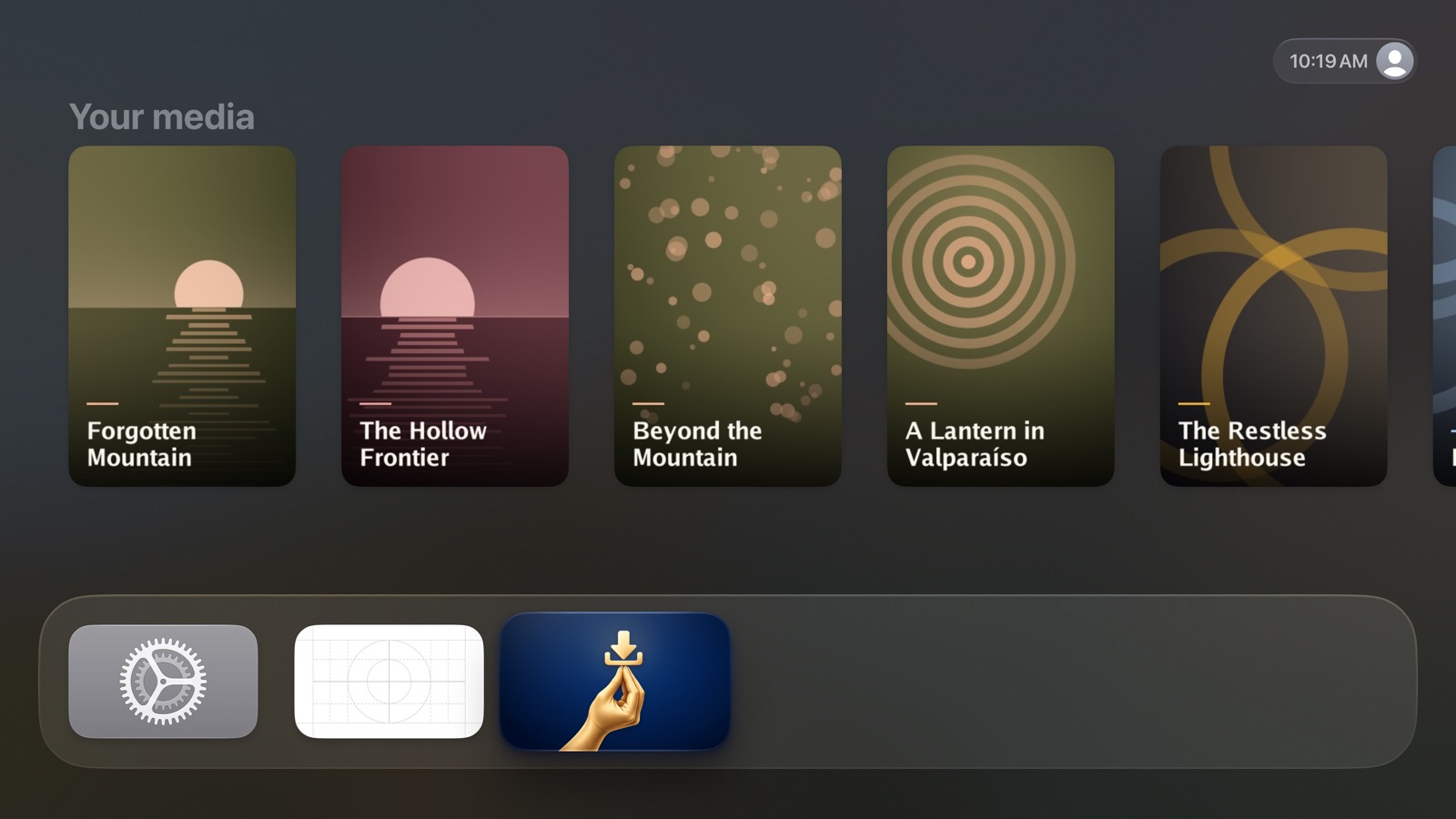
Apple TV screens
Every screen of the app on Apple TV, what it shows and what you can do there.
Tabs
Three tabs along the top: Library, Search and Me.
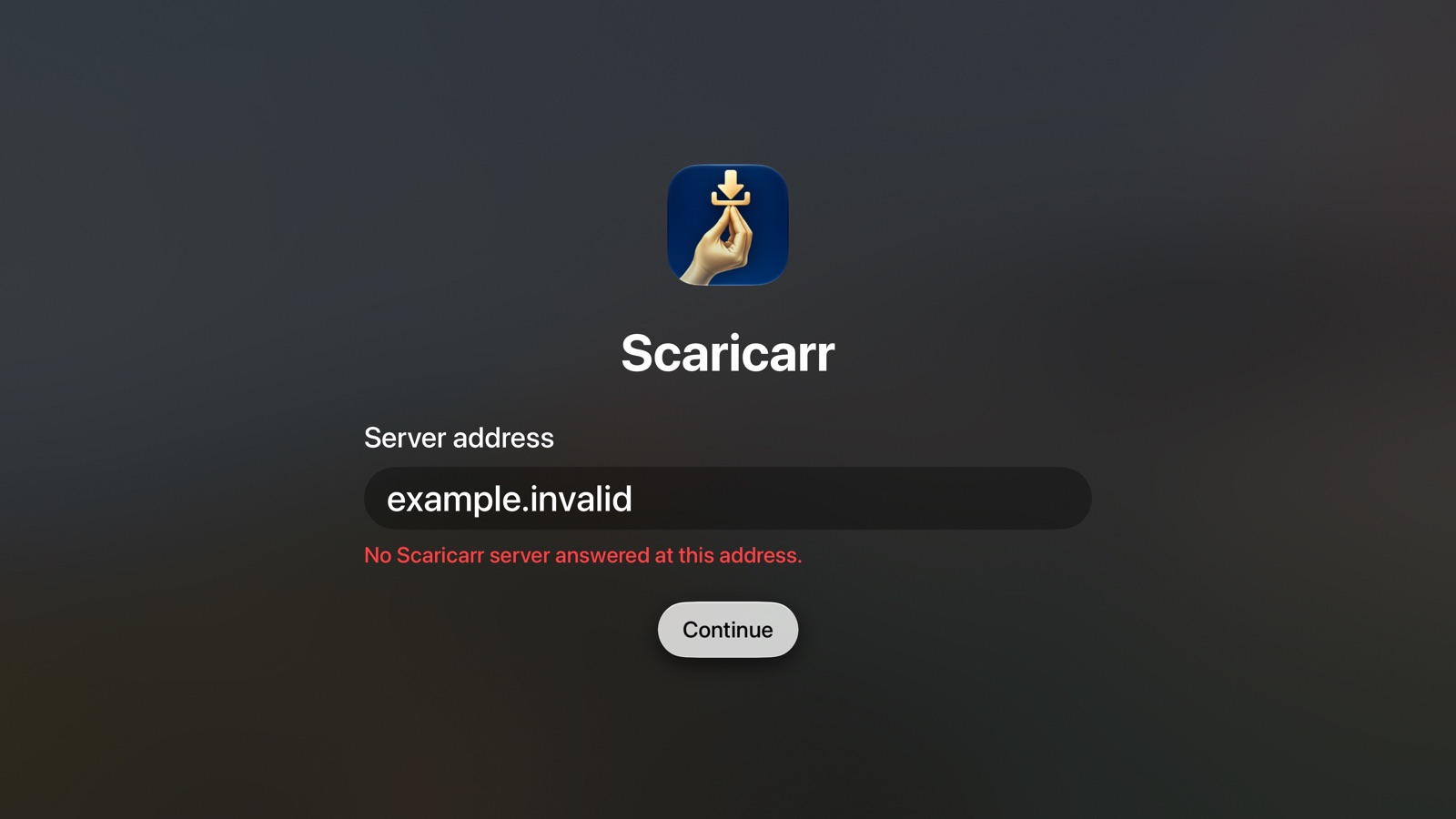
Server address
| Element | What it does |
|---|---|
| Server address | The address you use for Scaricarr in the browser. A nearby iPhone can type it. |
| Continue | Checks the address and moves on to sign-in. |
| Try the demo server | Uses the public demo server with made-up titles and moves on to sign-in. Its sign-in page shows one button per account. |
Sign-in
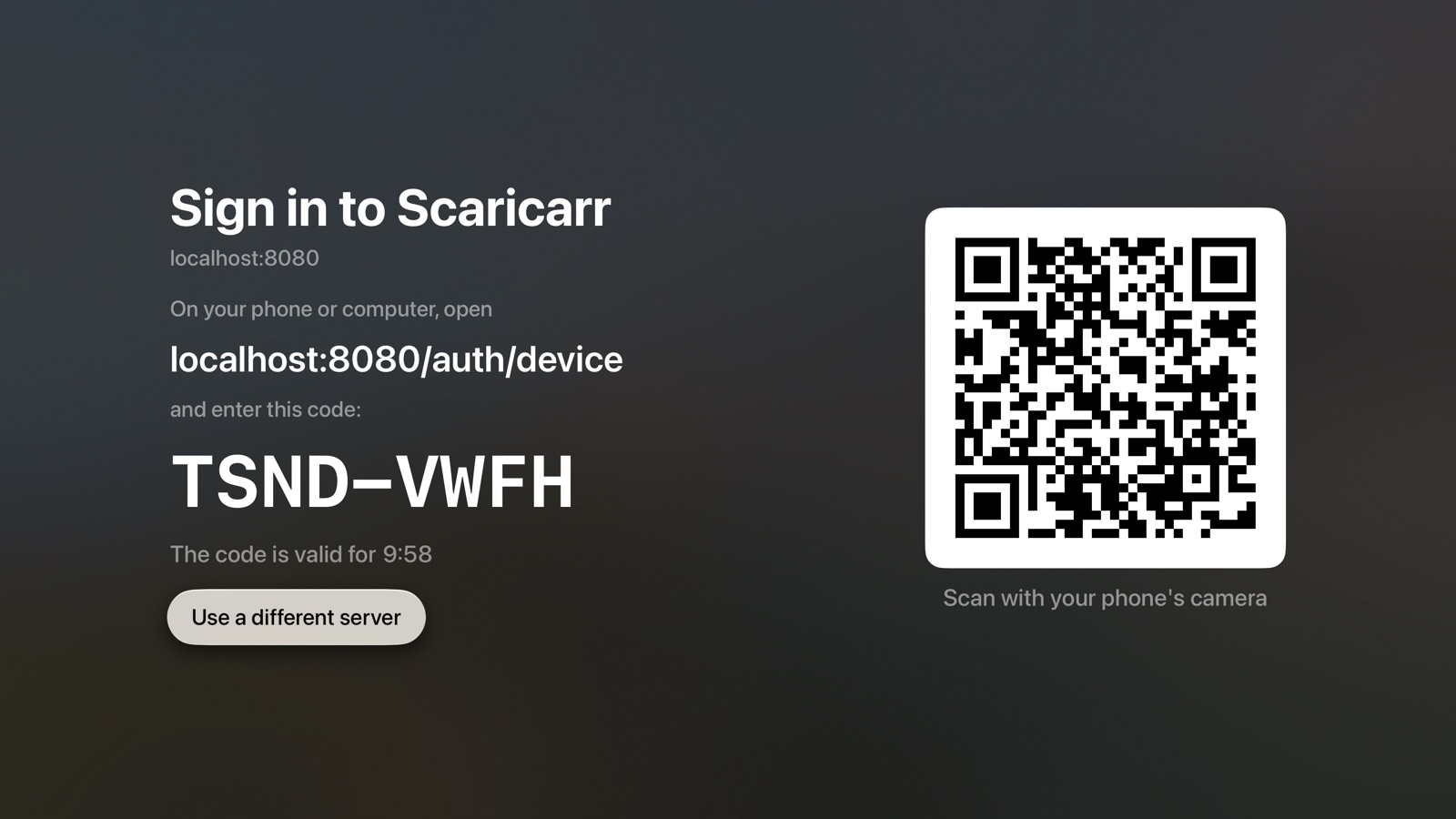
- The address to open on your phone or computer, and the code to enter there.
- The code is valid for …: how long the code still works.
- A QR code to scan with your phone's camera instead.
- Get a new code: appears when the code ran out or the sign-in was declined.
- Use a different server: goes back to the server address.
Library
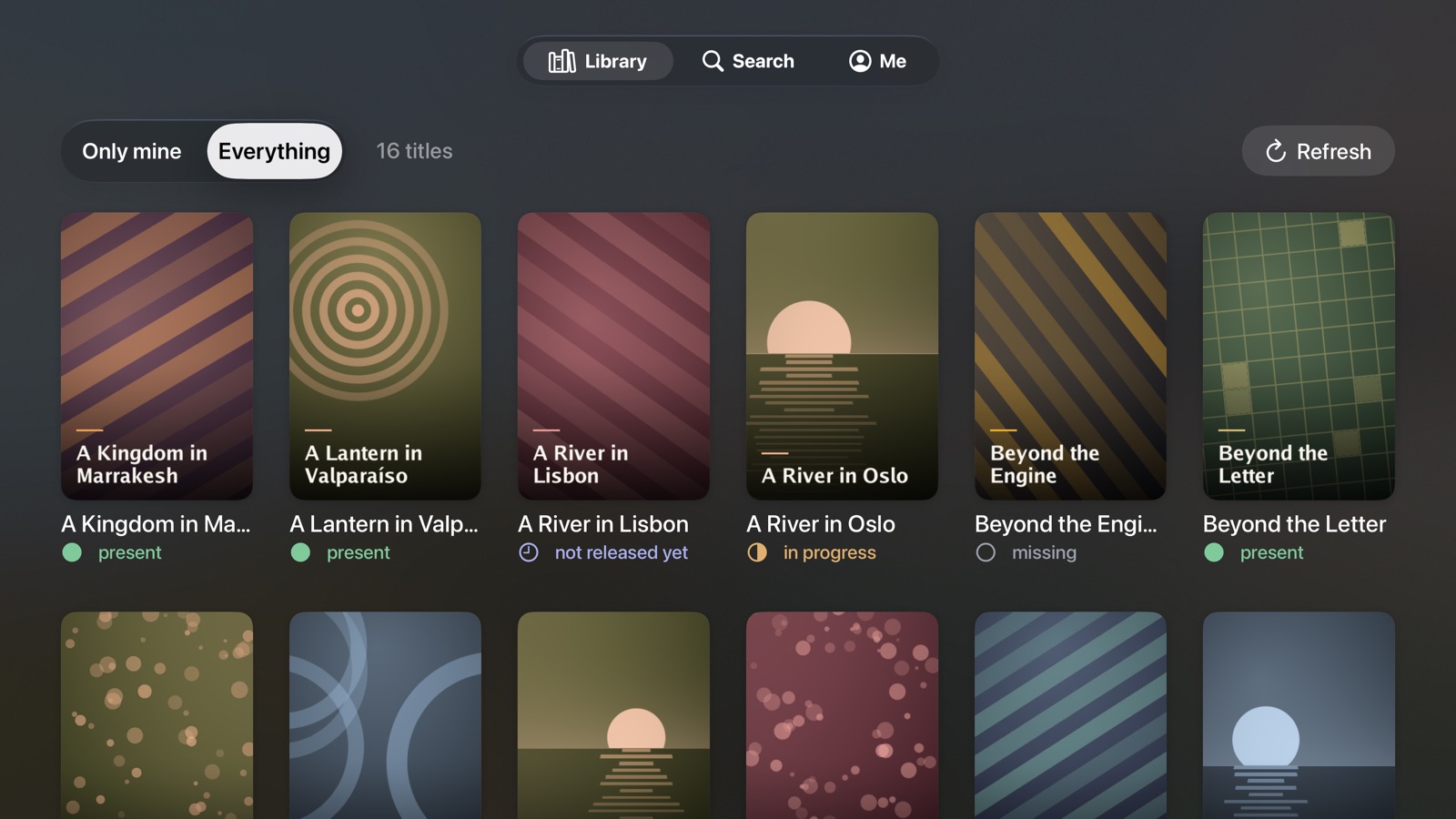
- Only mine / Everything: which titles to show.
- The count of titles, and Refresh.
- A poster per title, with its title and status. Select one to open it.
Title
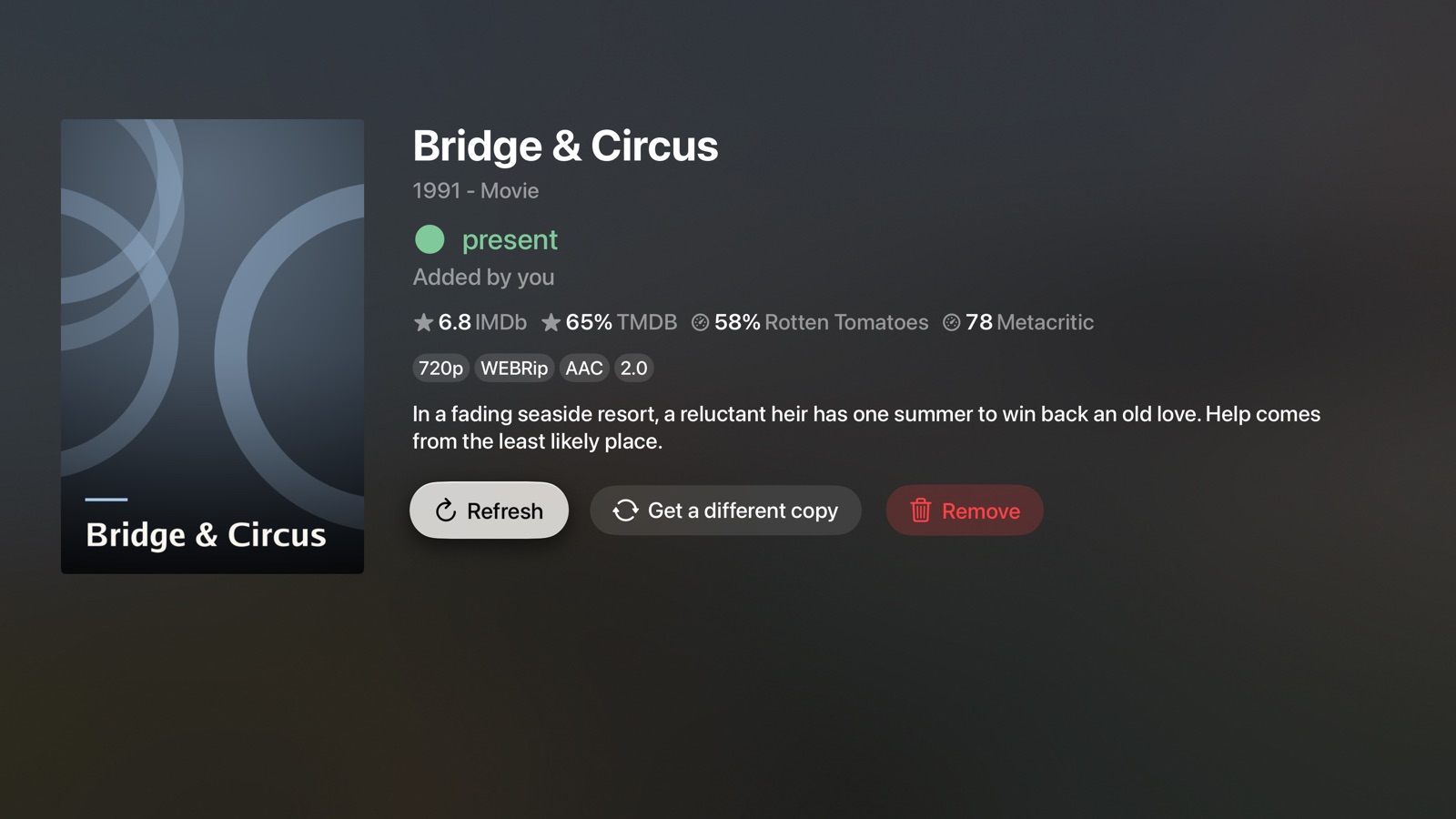
- Poster, title, year and type, status, Added by …, ratings, quality and a summary. For titles not released yet, Not before …; for series, the next episode's date.
- Refresh: loads the latest state.
- Get a different copy: movies only. See Get a different copy of a movie.
- Remove: removes the title and deletes its files.
Seasons
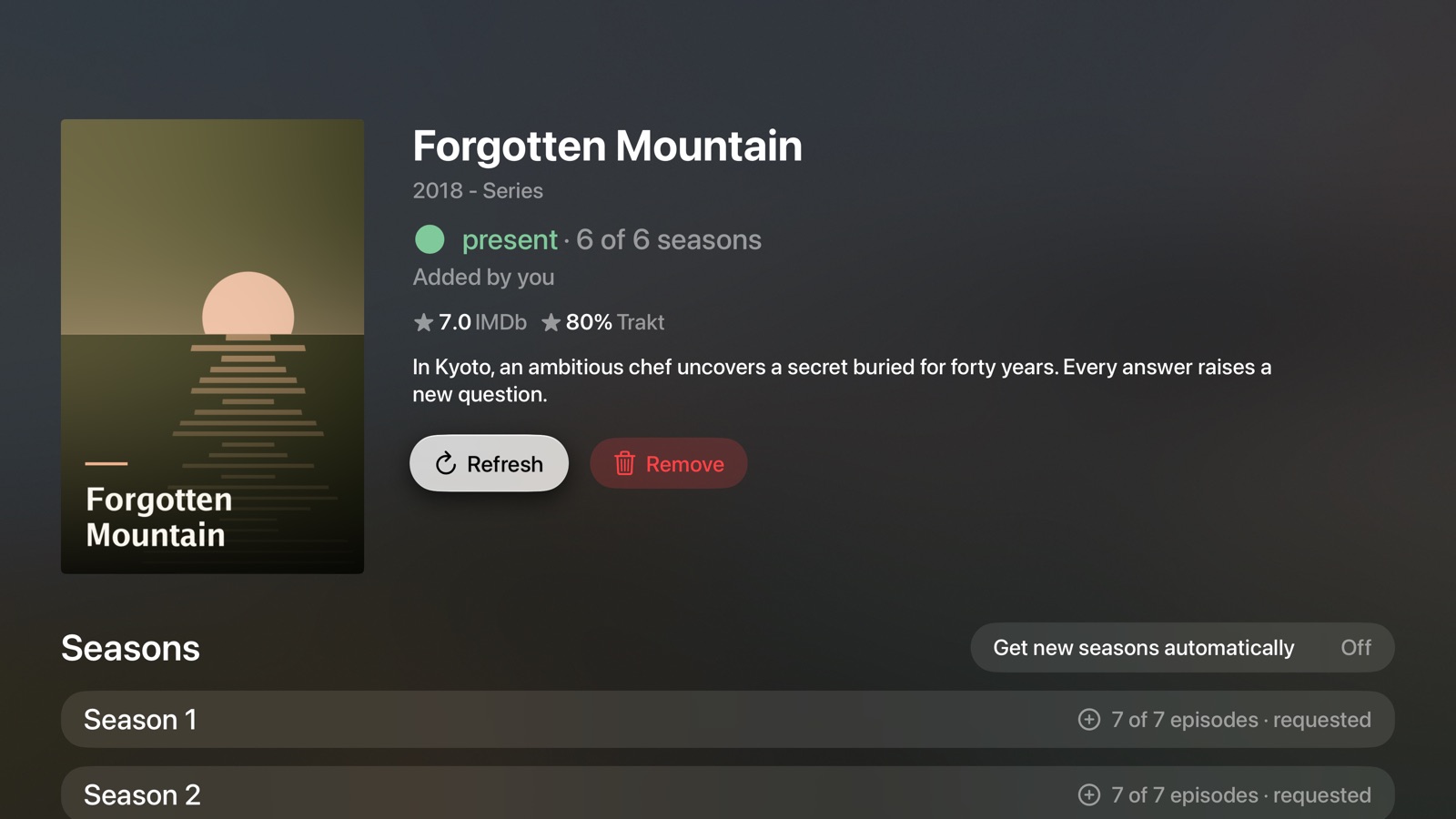
Below a series:
- Request several seasons… opens the season picker.
- Get new seasons automatically: requests new seasons as they are announced.
- One row per season. Select it to open the season.
Season
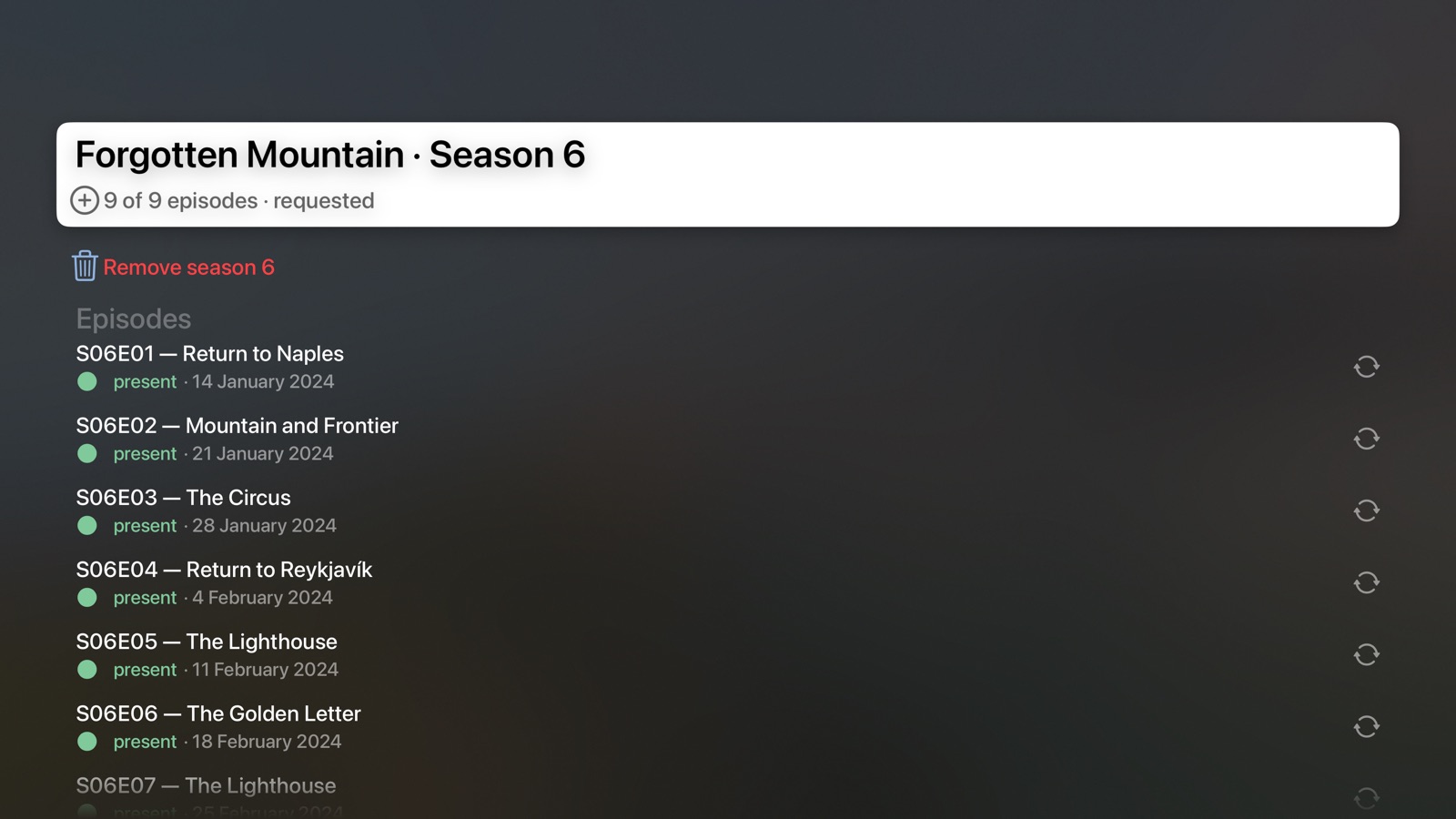
- Request season … or Remove season ….
- Episodes: each with number, name, status and air date. Select an episode that is present or in progress to get a different copy of it.
Search
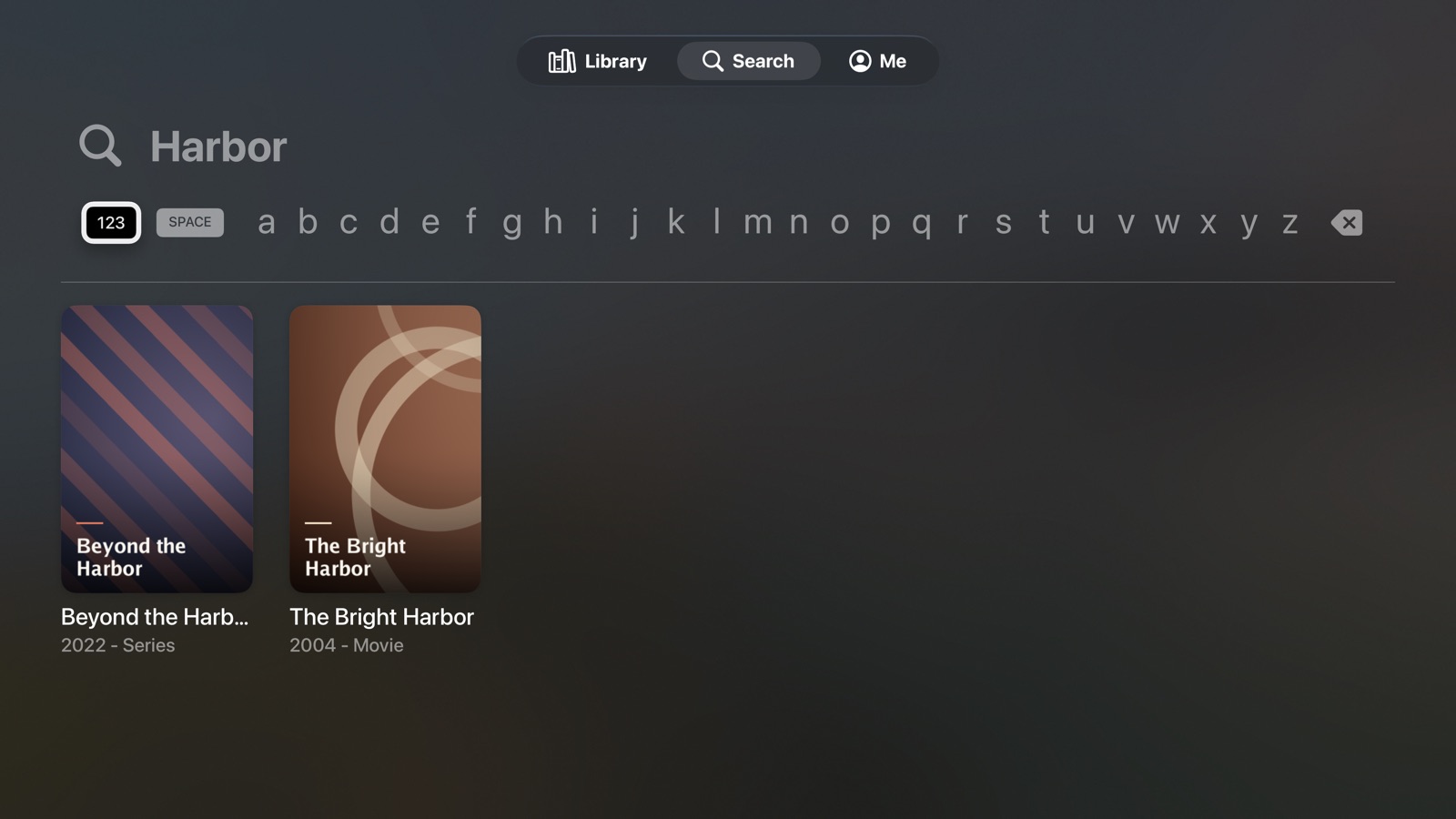
Type at least three letters. Results appear as posters. Select one to open its preview, or the title in your library.
Preview
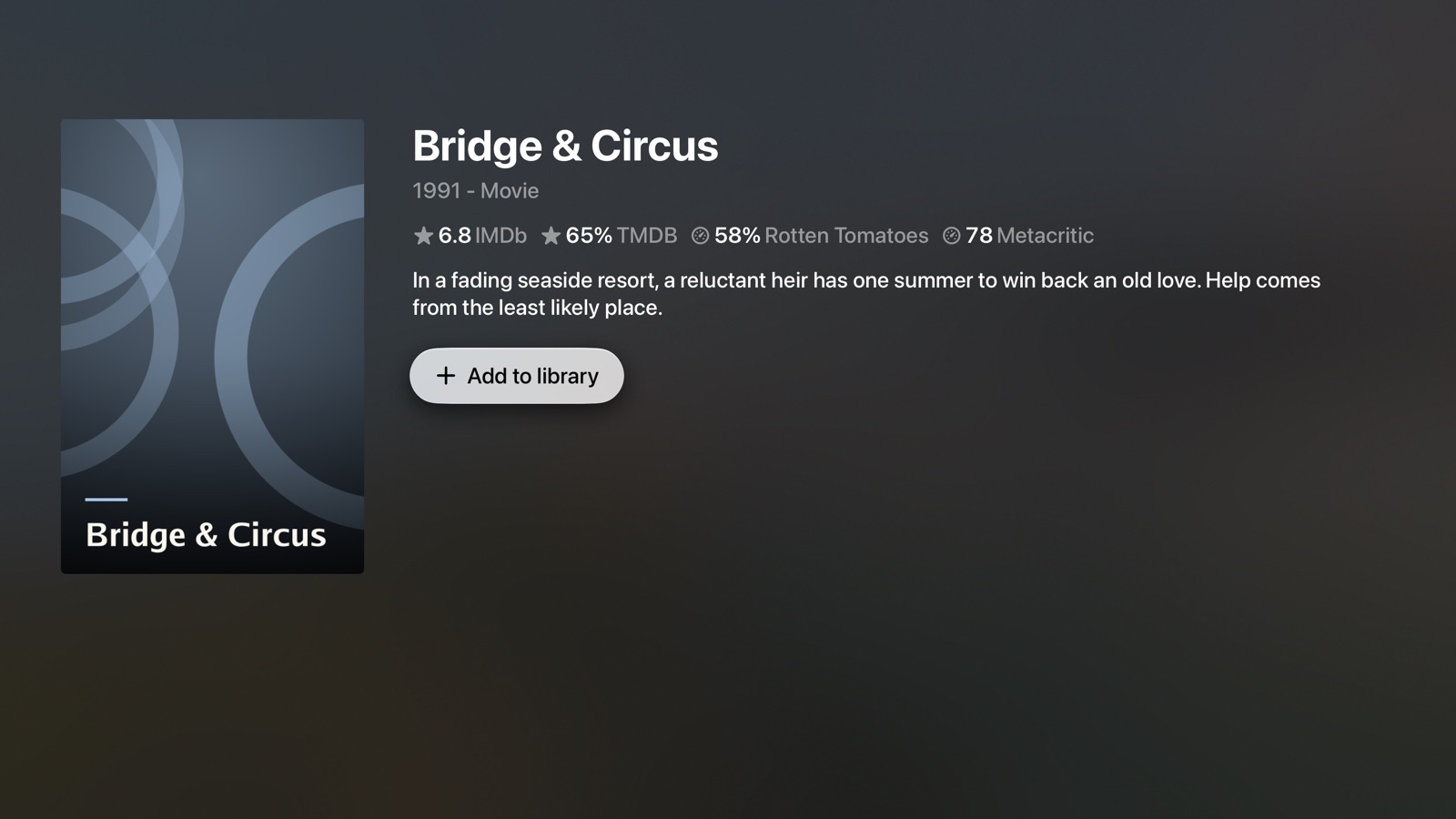
- Poster, ratings and summary.
- Add to library adds the title. The page then turns into the title's page.
- Choose seasons: for series with more than one season.
Season picker
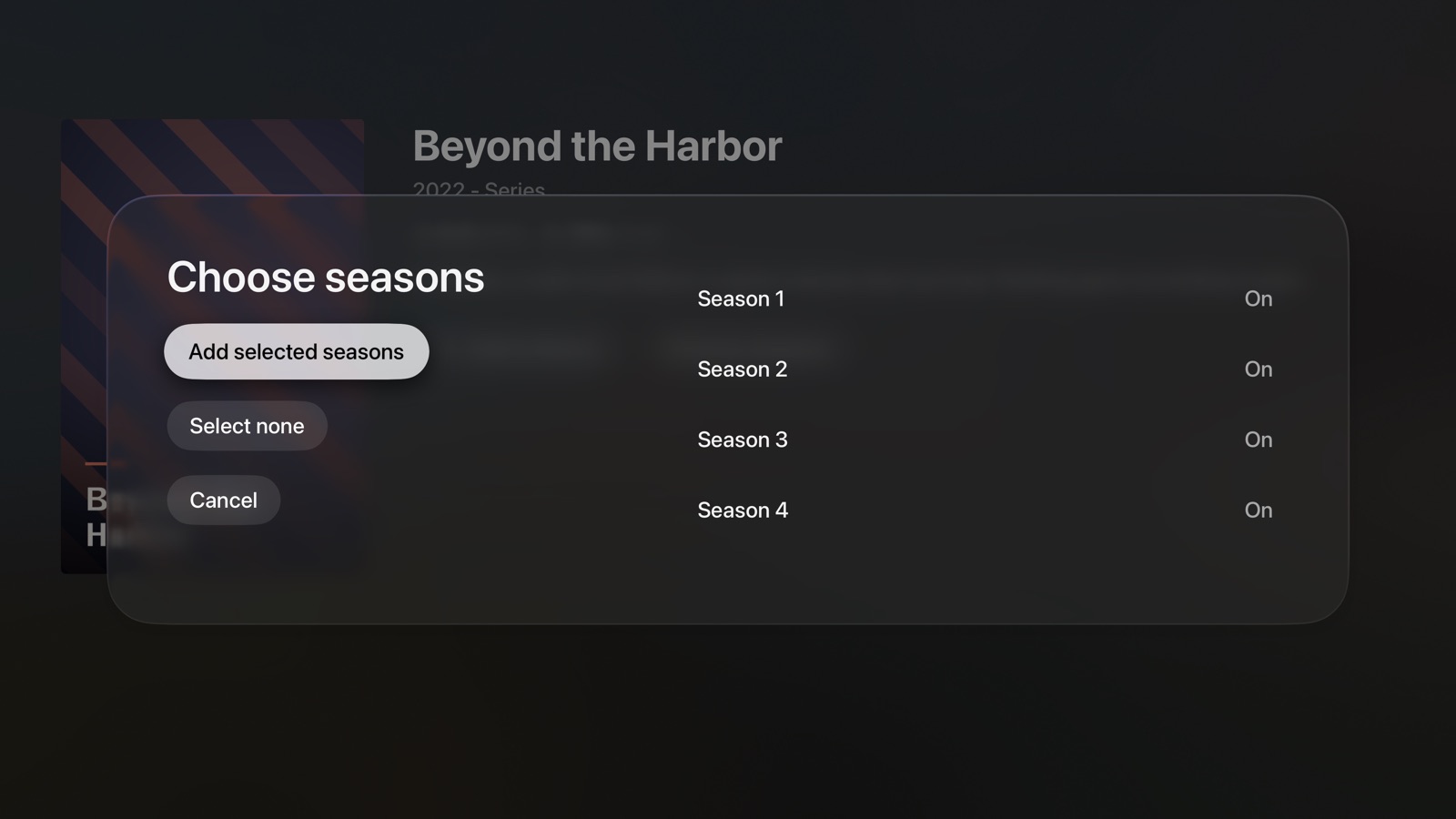
- A switch per season.
- Select all / Select none.
- Add selected seasons or Request selected seasons, and Cancel.
Confirmations
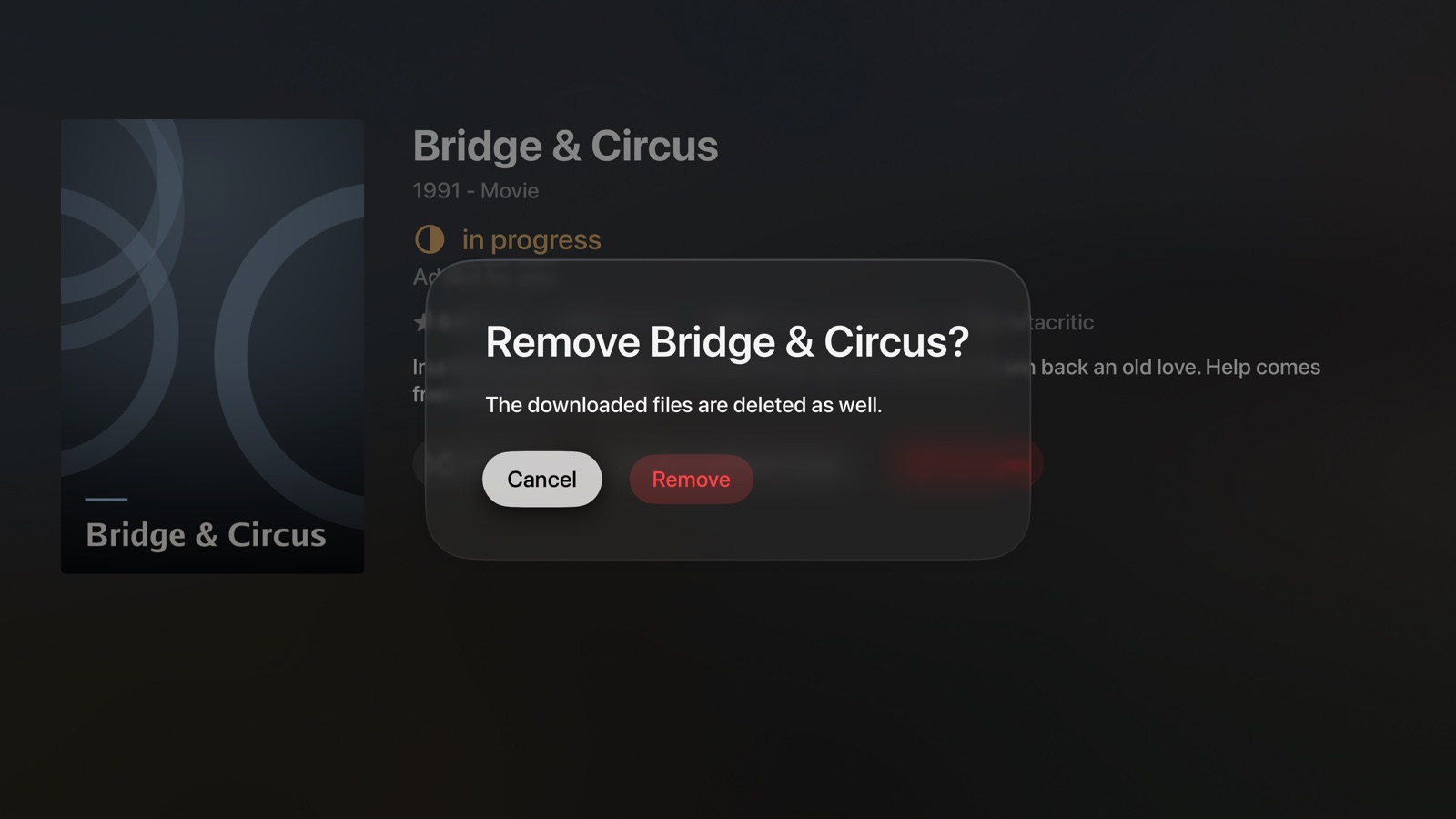
Before something is deleted or replaced, the app asks. Cancel is selected first, so you can't delete something by accident. Select Remove or Replace to go ahead.
Me
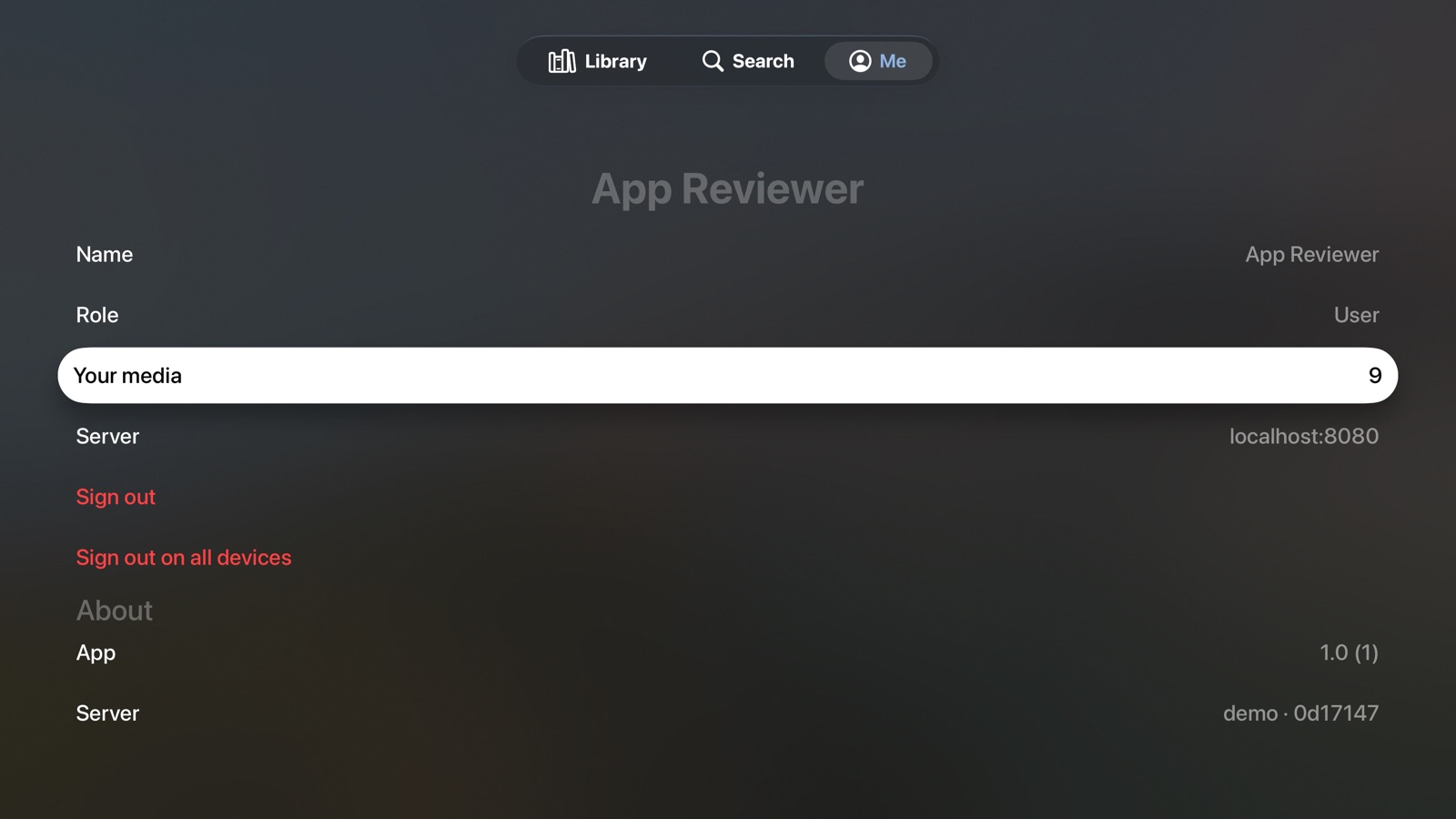
The same as on iPhone and iPad: Name, Role, Your media (select it to see your titles), Server, Sign out, Sign out on all devices and About.
Home Screen
When Scaricarr is in the top row of the Home Screen, it shows Your media: posters of titles you added. Select one to open it in the app.