Scaricarr for iPhone, iPad and Apple TV
Scaricarr is your household's front door to movies and series. With the app you can see what is already at home, find something new, add it, and follow it until it is ready to watch.
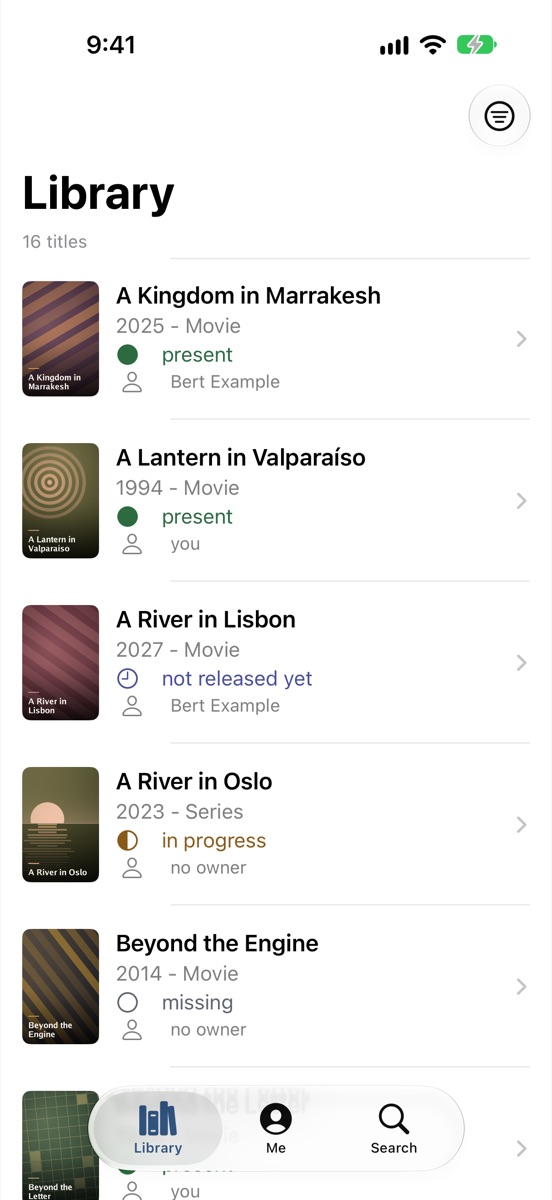
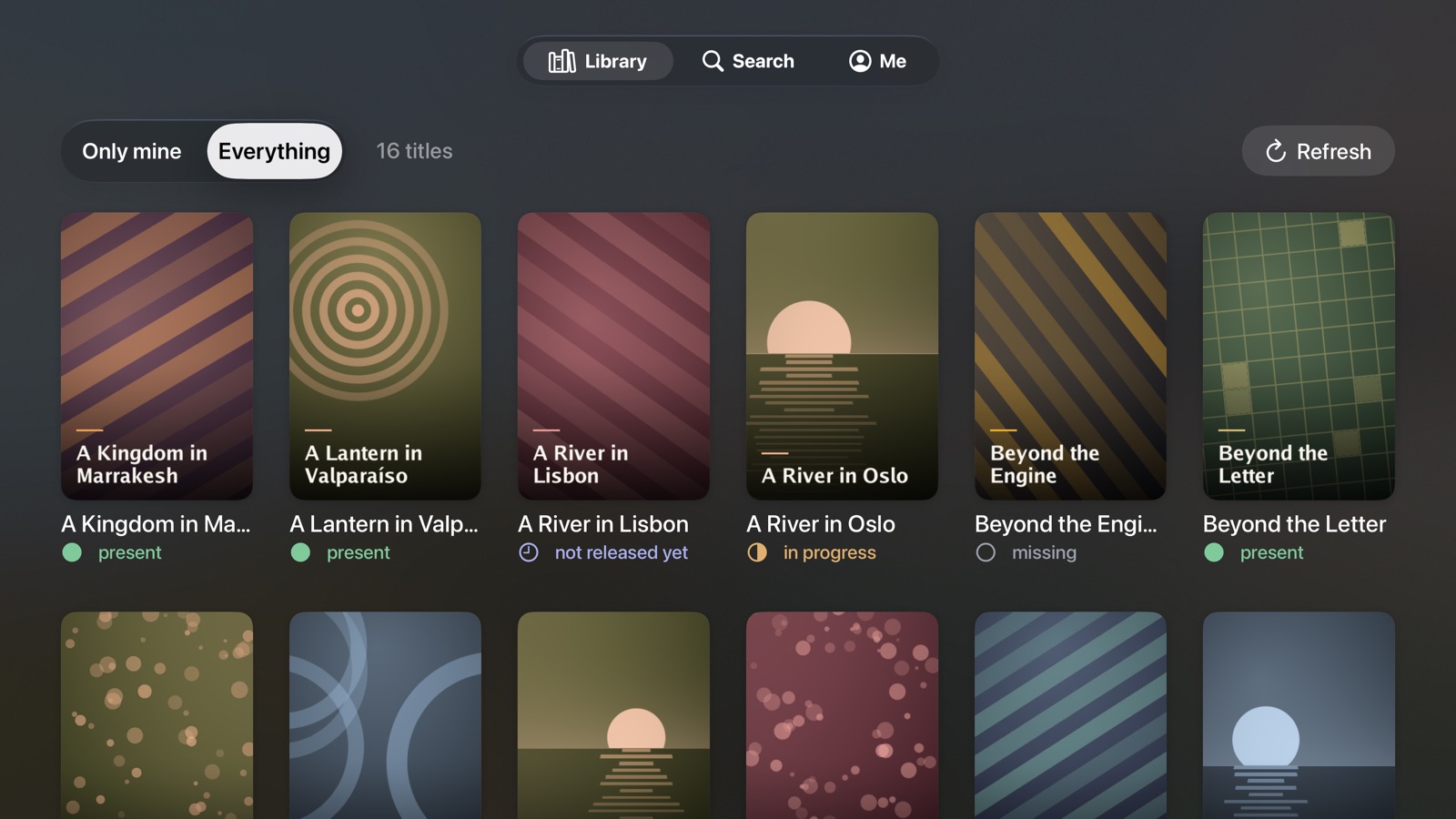
What you need
- Your household's Scaricarr. The app does not work on its own. Someone in your household runs Scaricarr; you use the same address in the app that you use in the browser.
- An account. You sign in with the same account you use for Scaricarr in the browser.
- An iPhone or iPad, or an Apple TV. On Apple TV you also need a phone or computer to sign in.
If you don't know the address or don't have an account yet, ask the person who runs Scaricarr in your household.
Where to start
This guide has four parts. Pick the one that fits what you want to do:
| You want to… | Read |
|---|---|
| set the app up and add your first title | Tutorials: iPhone and iPad · Apple TV |
| get one particular thing done | How-to guides: iPhone and iPad · Apple TV |
| look up a screen, a button or a message | Reference: iPhone and iPad · Apple TV · Statuses and messages |
| understand why the app behaves the way it does | Explanation: How Scaricarr works · Signing in · Without a connection |
Privacy
The app sends nothing to the developer: no analytics, no advertising, no tracking. Everything you do goes only to your household's Scaricarr. See the privacy policy.